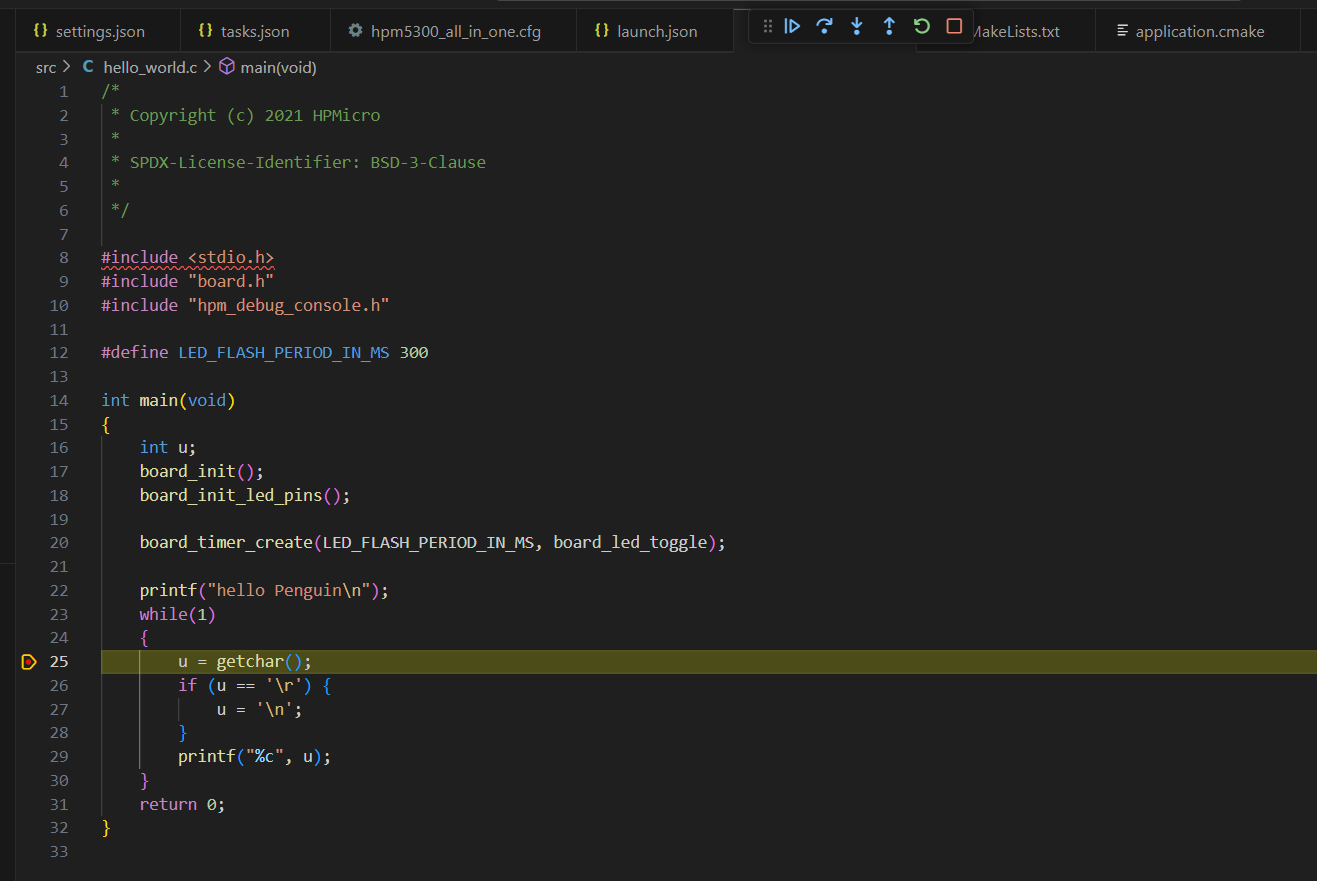
First, create an environment variable HPM_SDK_BASE pointing to the hpm_sdk within sdk_env. In the future, if the SDK is upgraded, you only need to change this variable to perform a one-click migration. Then, install the C/C++ Extensions Pack in VSCode and write the following configuration file into .vscode/settings.json. This will not only allow the CMake extension to automatically detect the toolchain included in the HPM_SDK, but also configure the C/C++ extension to activate the language server.
After completing the VSCode configuration, use the following CMakeLists.txt to set up your project. It includes reserved settings for the SDK and components, and you can change USB_DEVICE and HPM5300EVK to the options you need. This will automatically detect .c and .cpp files under /src and add them to the build target, while also adding /include as a header directory.
At this point, you can already build and highlight HPM firmware code using VSCode. Next, configure the .vscode/tasks.json file to write the algorithm for downloading and waiting for debug:
Note: there is an extra set of curly braces around the parameters passed to OpenOCD, because TCL interprets backslashes as escape characters by default. For Windows paths, OpenOCD recommends using curly braces to avoid escaping.
Generate project by the extension without any extra configuration;
Generate project by STM32CubeMX, select CMake as build system while generating, then open the folder in VSCode. The extension will automaticly identify the project now.
Add .vscode/launch.json to start the GDB server and attach to STlink: